# Plasmoid
 A minimalist and opinionated app launcher for Android.
## Screenshots
A minimalist and opinionated app launcher for Android.
## Screenshots
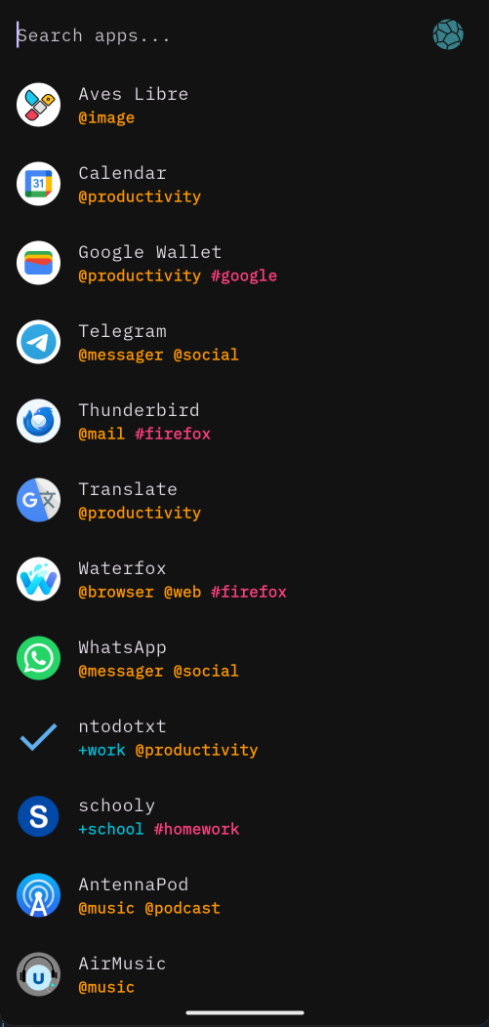
Dark mode with tags |
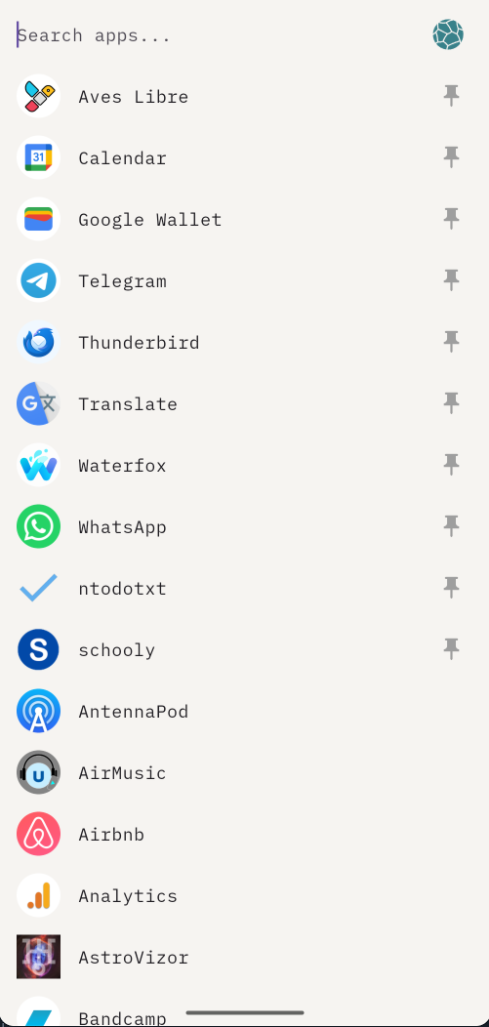
Light mode |
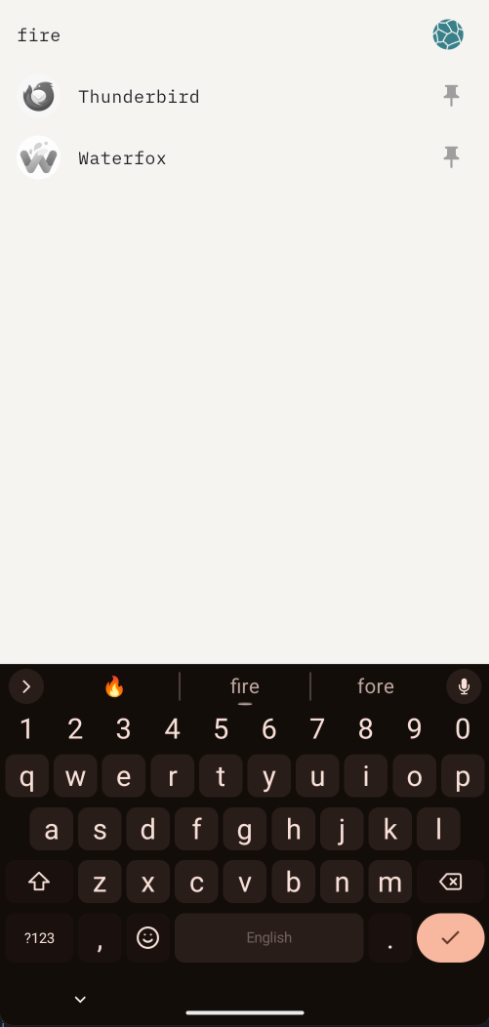
Search filter |
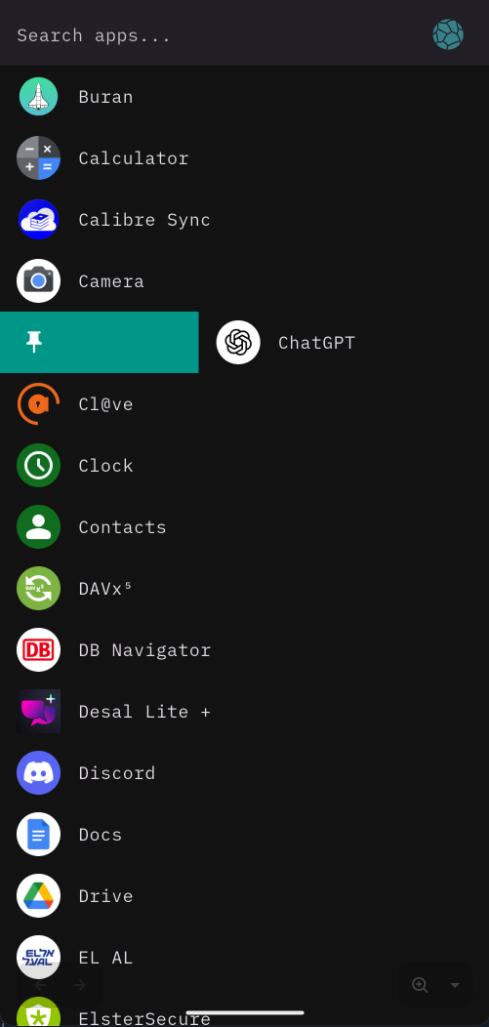
Swipe to pin |
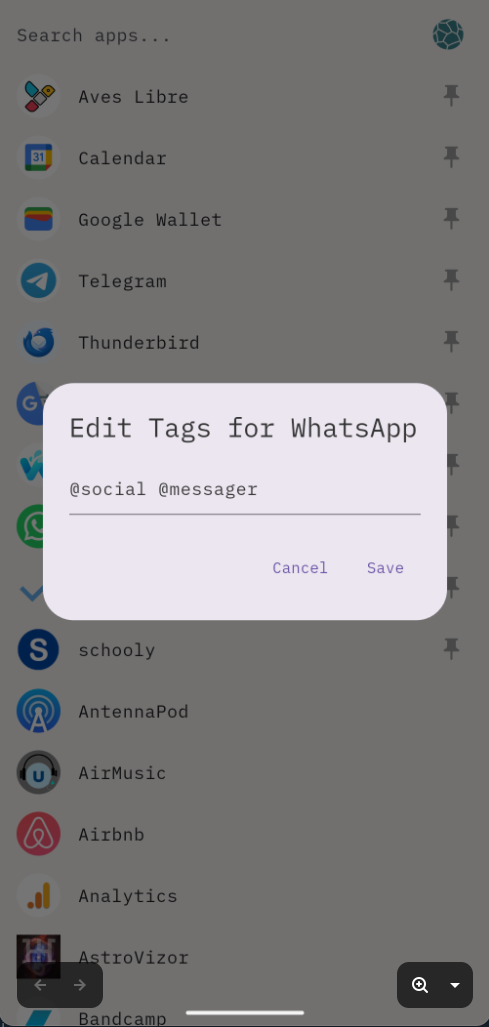
Tag editor |
## Features
**Search & Launch** — Start typing to filter apps by name or tag. Tap to launch immediately.
**Tagging** — Long-press an app and choose Edit Tags to assign tags. Tags are searchable using prefixes: `@context`, `#general`, `+project`.
**Gestures**
- Swipe right to pin an app to the top (swipe right again to unpin)
- Swipe left to demote an app to the bottom (swipe left again to restore)
- Long-press for Edit Tags, App Info, and more
**D-Pad** — From the search field, press down to close the keyboard and move into the list, or right to clear the search (or open the menu when it's empty). In the list, up and down move the selection, center launches, left returns to the search field, and right opens the menu. Hold left to promote an app (pin or restore it), hold right to demote it (unpin or move it to the bottom), and hold center to open or close the app menu.
**Settings** — Toggle icon visibility, color mode, theme, sort order, auto-focus, status icons, and demoted app visibility from the menu.
## Download
Get the latest .apk on the [Release Page](https://codeberg.org/randogoth/plasmoid/releases)
## Build
```sh
flutter build apk --release
```
On systems without Flutter installed, [devbox](https://www.jetify.com/devbox) provides a reproducible environment:
```sh
devbox install
devbox shell
flutter build apk --release
```
---
Made with love by randogoth — icon by [Game Icons.net](https://game-icons.net/).


