A todo.txt based kanban board in a single HTML file.
| .gitignore | ||
| index.html | ||
| kbtd | ||
| README.md | ||
| screencast.gif | ||
| SPEC.md | ||
| TODO.md | ||


A markdown textfile based kanban board in a single index.html file.
Download index.html | Download Zip
- Drag-and-drop visual editing of plain text Markdown TODOs
- Runs 100% in your browser - no server, no database
- Single HTML file - simply upload to self-host
- CLI tool to launch as a Chrome app:
kbtd TODO.md - Two-way binding between UI and text file
- Great for indie-scale solo projects and small teams
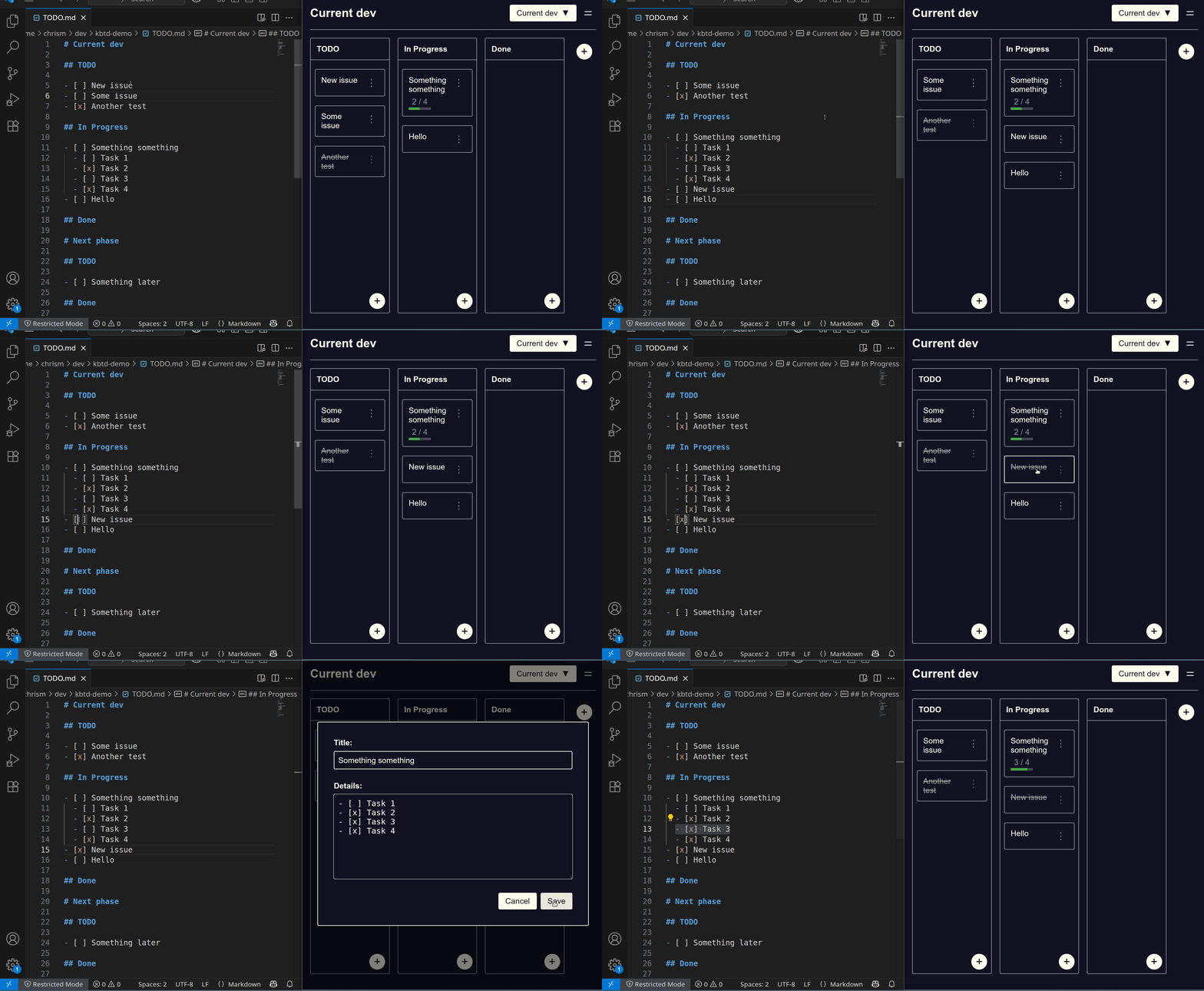
Format
The text based format is designed to be simple for humans, git, and LLMs to read and edit.
# Project name

## Column name

- [ ] Task number one.
- [ ] Some other task.

## Another column

- [ ] Yet another task.
CLI Install
curl -O https://mccormick.cx/apps/kanban-todo/kbtd
chmod 755 kbtd

# By default `kbtd` loads the web app from the my server.
# If self-hosting, set KBTD_URL to load from your server instead:
# export KBTD_URL="https://mccormick.cx/apps/kanban-todo/"

# Then launch with:
./kbtd TODO.md
Self host
Copy index.html up to your server.
If you're using the kbtd command line launcher, set KBTD_URL to point at your server.